
Find Broken Links. Fix Them Your Way.
SEOLab scans your entire Shopify store to find 404 errors and broken links. Turn on Auto Fix to redirect every broken link to target page instantly, or review each one manually and choose exactly where it should go.

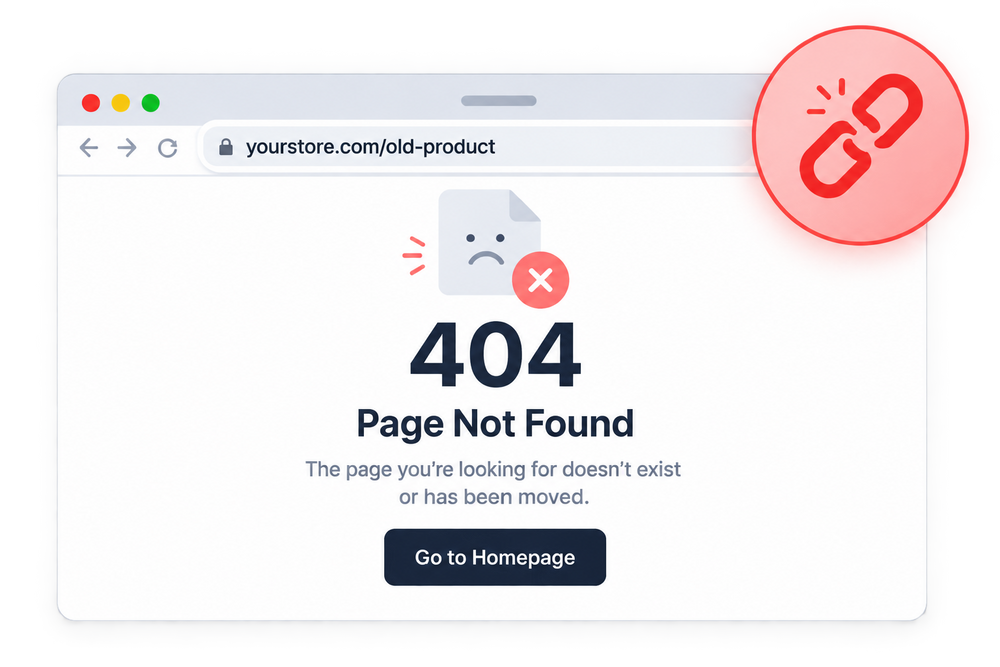
Broken Links Hurt Your Store
Broken links create a poor user experience, hurt your Shopify SEO rankings, and can cost you valuable sales. Even a handful of 404 errors can make customers lose trust in your store and leave before they buy.


Powerful Broken Link Management Features

Find Broken Links
Automatically scans your entire store to detect every broken URL and 404 error.

Auto Fix Broken Links
Turn on Auto Fix to instantly redirect every broken link to one target page, no manual work needed.
Custom Redirect Targets
Prefer more control? Set a specific redirect destination for each broken link individually instead of sending them all to one page.
Unresolved Links Dashboard
See every broken link in one place, with traffic and first-seen data, so you know which ones matter most.
404 Error Monitoring
Continuously scans for new broken links, so issues get caught before they pile up.

SEO Value Protection
Redirecting broken links preserves link equity and keeps search engines crawling your store smoothly.
See The Impact On Your Store
Fix broken links, protect your SEO rankings, and create a smoother experience for your customers and search engines.


How It Works

Find broken links and 404 errors across your store.

Identify broken pages across products, collections, and blogs.

Auto-redirect everything to one page, or set a custom redirect for each link.

Keep your store error-free with ongoing monitoring.
Scan Your Store URLs

Detect Broken Link Issues

Fix Automatically or Manually

Monitor Redirect Performance

Frequently Asked Questions
Everything you need to know about SEOLab Broken Link Management.
What is SEOLab Broken Link Management?
SEOLab Broken Link Management helps you find, monitor, and fix broken links across your Shopify store to maintain a healthy website structure and protect your SEO performance.
How does SEOLab find broken links?
SEOLab scans your Shopify store to identify broken URLs, including missing product pages, collections, pages, and blog posts that return 404 errors.
Can I create redirects for broken links directly from SEOLab?
Yes. SEOLab allows you to create redirects for broken URLs directly from the broken links dashboard, helping visitors reach the correct pages.
Does SEOLab automatically fix broken links?
Yes, if you want it to. Turning on Auto Fix instantly redirects every detected broken link to one target page of your choice. If you'd rather handle it link by link, the Unresolved Links dashboard lets you set a custom redirect for each one individually, or ignore links you don't want to redirect.
What's the difference between Auto Fix and manual redirects?
Auto Fix sends every broken link to a single target page you set once, ideal for a fast, blanket cleanup. Manual redirects let you choose a specific destination for each broken link individually, better when different broken pages should point to different places.
Can I see all broken links in one place?
Yes. The Unresolved Links dashboard shows every detected broken link along with traffic data and when it was first seen, so you can prioritize which ones to fix first.
Why should I fix broken links in my Shopify store?
Broken links create a poor experience for visitors and make it harder for search engines to crawl and index your store properly. Fixing them helps protect your rankings and keeps customers on the path to checkout.
Can I ignore a broken link instead of redirecting it?
Yes. If a broken link doesn't need a redirect, you can mark it as ignored so it stops appearing in your unresolved links list.
Still have questions?
Can't find the answer you're looking for? Browse the full documentation for a detailed walkthrough of every feature.