
Audit Your Store. Fix SEO Issues. Grow With Confidence.
Get a complete SEO health score for your Shopify store, covering your homepage, products, collections, and blog pages, plus a prioritized list of exactly what to fix first.

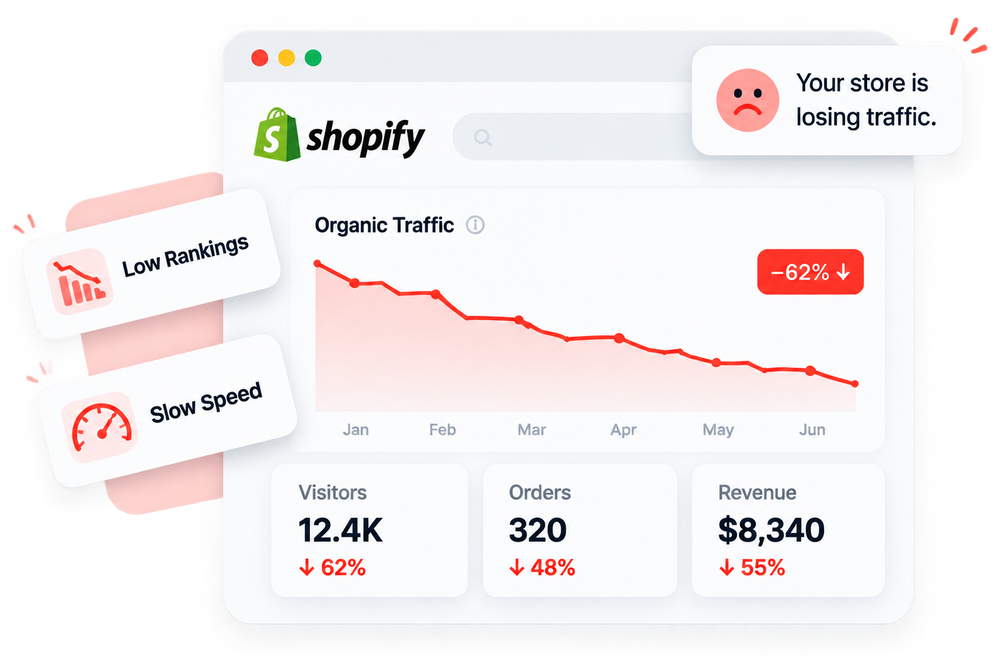
SEO Problems Can Stay Hidden Without Regular Audits
Without a clear SEO health overview, important issues across your pages, speed, images, metadata, and broken links can easily go unnoticed.


Powerful SEO Audit & Site Health Features

SEO Health Score
Get a clear 0-100 score showing your store's overall SEO health, scored across your homepage, product pages, collection pages, and blog pages.

Mobile & Desktop Speed Score
See separate speed scores for mobile and desktop, so you know exactly where load time is costing you visitors and rankings.

Page Type Audits
Check SEO health individually across your homepage, product pages, collection pages, and blog pages instead of one blended score.

Broken Link Monitoring
Keep an eye on broken link issues directly from your audit dashboard, so a messy site structure never quietly drags down your SEO score.

Setup Health Checklist
Track completion across 9 key setup areas, App Embed, Alt Tags, Meta Tags, Image Optimization, Theme Files, Google Structured Data, Local Business, Broken Links, and HTML Sitemap, so nothing important gets missed.

Prioritized Fix List
The "Do These Next" list flags issues by priority, from a disabled app embed to unchecked pages and uncompressed images, so you always know what to fix first.

Competitor Analysis
Add a competitor's website and compare their SEO and speed scores directly against your own store in one table.

Image Optimization Status
See exactly how many images across your store are already optimized, plus how many still need compressing to help your speed score.
See Exactly Where Your Store Stands
A real look at what your SEO Audit dashboard shows, one score for SEO health, one for speed, and a live view of your optimization progress.


How It Works

Check your store's SEO health.

See SEO and speed performance.
Identify important optimization problems.
Follow recommendations to improve your store.
Scan Your Store Health
STEP IMAGE
Review Your SEO Health
STEP IMAGE
Find & Fix SEO Issues
STEP IMAGE
Monitor Your Site Health
STEP IMAGE
Frequently Asked Questions
Everything you need to know about SEOLab SEO Audit & Site Health.
What is SEOLab SEO Audit & Site Health?
SEOLab SEO Audit & Site Health gives you an overview of your store's SEO performance, speed, image optimization, broken links, and other important health indicators.
What does the SEO Audit check?
The audit reviews your homepage, product pages, collection pages, and blog pages, covering SEO health, speed, images, broken links, metadata, and a 9-point setup checklist.
Can I see my overall SEO score?
Yes. The dashboard provides an Avg SEO Score that gives you a quick overview of your store's current SEO health.
Does SEOLab show my store speed score?
Yes. The dashboard displays your Speed Score along with separate mobile and desktop performance scores.
Can I check different page types?
Yes. SEOLab lets you review SEO health across important page types including your Homepage, Product Pages, Collection Pages, and Blog Pages.
Does the dashboard show recommended SEO actions?
Yes. The "Do These Next" list flags issues by priority, high, medium, or low, with a direct action button like Enable, Scan, Fix, or Optimize for each one.
Can I monitor images and broken links?
Yes. The dashboard shows your image optimization status and broken link status so you can quickly identify areas that need attention.
Can I compare my store with competitors?
Yes. The Competitor Analysis section lets you add websites and compare SEO and speed performance against your store.
Yes. Add a competitor's website in the Competitor Analysis section to compare their SEO and speed scores directly against your own store.
Still have questions?
Can't find the answer you're looking for? Browse the full documentation for a detailed walkthrough of every feature.