
Clean URLs. Better Rankings. More Sales.
Edit and optimize your Shopify URL handles and slugs with built-in SEO guidance, for cleaner links and stronger rankings, without losing the search value you've already earned.

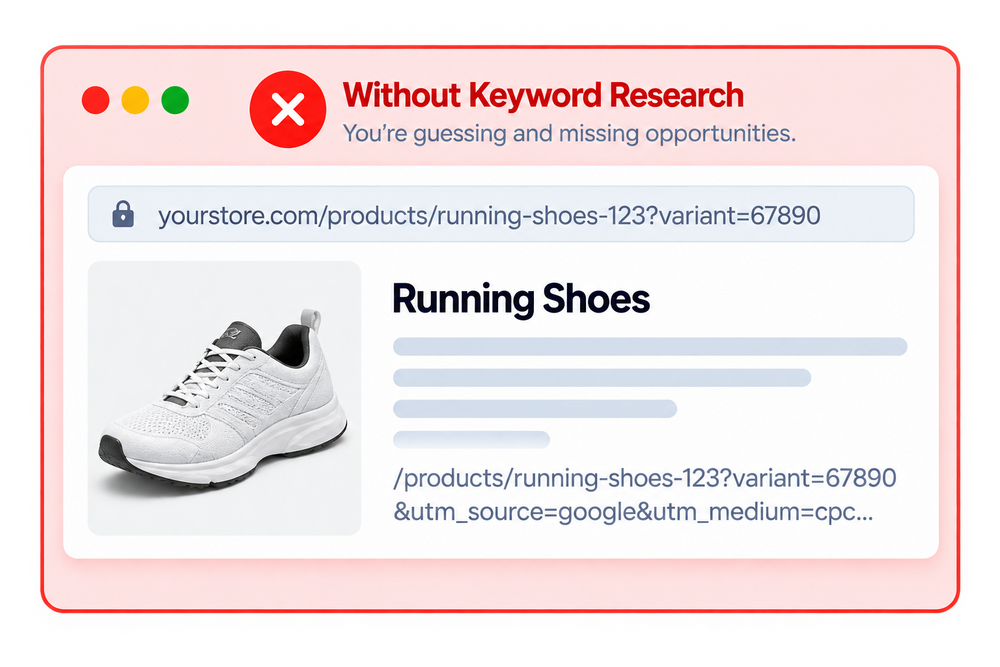


Powerful URL Handle & Slug Features

SEO-Friendly URLs
Create clean, descriptive URL handles that are easier for search engines to understand.

Live SEO Guidance
Get real-time Google SEO advice as you edit each URL, including focus keyword placement and character length recommendations, so every slug is optimized correctly the first time.
Live Google SEO Guidance
See real-time SEO advice as you edit each URL, including focus keyword placement and character length rules, so you know exactly what to fix before saving.
Automatic Redirects
Create redirects when URLs change to help visitors reach the right pages.
URL Structure Management
Keep your store URLs consistent across products, collections, pages, and posts.

SEO Value Protection
Maintain your SEO value when updating outdated or poorly optimized URLs.
See The Impact On Your Store
Keep your Shopify URLs clean, consistent, and SEO-friendly while making URL management faster and easier.


How It Works

Review existing handles and slugs.

Create clean SEO-friendly URLs.

Update URLs quickly and safely.

Create redirects when URLs change.
Scan Your Store URLs

Optimize Your URL Handles

Apply Redirects Automatically

Monitor & Maintain Your URLs

Frequently Asked Questions
Everything you need to know about SEOLab URL Handle & Slug Manager.
What is SEOLab URL Handle & Slug Manager?
SEOLab URL Handle & Slug Manager helps you create, edit, and optimize Shopify URL handles and slugs for cleaner links, better organization, and improved SEO.
Why should I optimize my Shopify URL handles?
Clean and descriptive URLs make your pages easier for customers and search engines to understand, while helping maintain a consistent and SEO-friendly store structure.
Can I edit URL handles in bulk?
No. URL handles are optimized one page at a time, with live Google SEO guidance shown as you edit, so you can get each URL right with confidence.
Can SEOLab suggest SEO-friendly slugs?
SEOLab doesn't write the slug for you. It shows real-time SEO advice, like focus keyword placement and character length, so you know exactly what to change while you edit it yourself.
What happens when I change a URL handle?
Changing a URL can make the previous address unavailable. SEOLab helps create redirects so visitors and search engines can reach the updated page.
Does SEOLab create redirects for changed URLs?
Yes. Redirects are created automatically the moment you update a URL handle, no manual setup needed, so existing links and SEO value are preserved.
Can I manage product and collection URLs?
Yes. You can manage URL handles across important Shopify content including products, collections, pages, and blog posts.
Will changing my URLs affect SEO?
Changing URLs without proper redirects can cause broken links and lost SEO value. Using redirects when updating handles helps keep visitors and search engines connected to the correct pages.
Still have questions?
Can't find the answer you're looking for? Browse the full documentation for a detailed walkthrough of every feature.