
Find Better Keywords. Grow Your Search Visibility.
Discover relevant keywords, filter by High, Medium, or Low competition, target the country you want to reach, and save your best keyword ideas to build a focused SEO strategy.

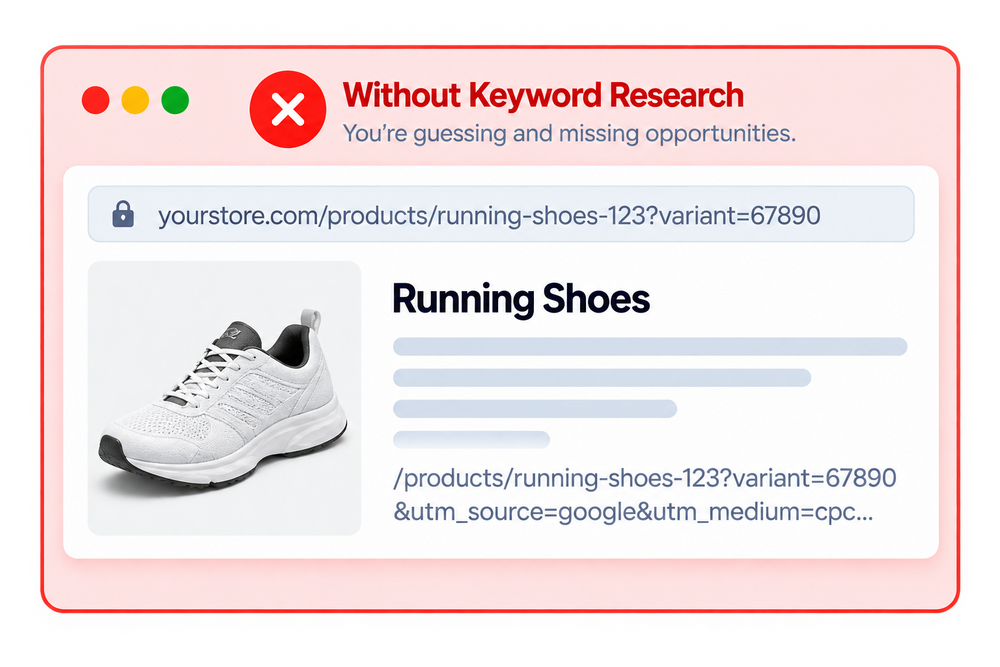
Guessing Keywords Can Hold Your Store Back
Without proper keyword research, you may target irrelevant or highly competitive terms, miss valuable opportunities, and struggle to build a focused SEO strategy.


Powerful Keyword Research & Analysis Features

Keyword Search
Search for relevant keywords and discover opportunities for your SEO strategy.
Country Targeting
Select your target country to research keywords for the market you want to reach.

Competition Filtering
Filter keyword opportunities by High, Medium, or Low competition.
Keyword Results
Review searched keywords and compare available keyword data in one place.
Save Keywords
Save valuable keyword opportunities to build your own keyword list.
Saved Keywords List
Keep your selected keywords organized and easily accessible for future research.
Keyword List Search
Search through your saved keywords to quickly find previously researched terms.

Organized Keyword Research
Keep important keyword discoveries together for easier SEO planning and optimization.
See The Impact On Your Keyword Research
Discover relevant keywords, understand competition, target the right market, and keep your best keyword ideas organized.


How It Works

Enter a keyword to find opportunities.

Select the country you want to target.

Find High, Medium, or Low competition.

Keep valuable keywords in one list.
Search For Keyword Opportunities

Analyze Keyword Competition

Review Your Keyword Results

Save & Organize Your Keywords

Frequently Asked Questions
Everything you need to know about SEOLab Keyword Research & Analyzer.
What is SEOLab Keyword Research & Analyzer?
SEOLab Keyword Research & Analyzer helps you discover relevant keywords, evaluate competition, target specific countries, and save useful keywords for your SEO strategy.
How do I search for keywords?
Enter a keyword in the Keyword Search field, select your target country, choose a competition level if needed, and click Search to view available results.
Can I target a specific country?
Yes. You can select a country before searching to focus your keyword research on the market you want to target.
Can I filter keywords by competition?
Yes. You can filter keyword results by High, Medium, or Low competition to focus your research on the opportunities that match your SEO strategy.
Can I save keywords for later?
Yes. You can save useful keywords directly from the search results and keep them in your Saved Keywords List for future reference.
Where can I find my saved keywords?
Your saved keywords are available in the Saved Keywords List, where you can search through the keywords you have previously saved.
Can I search my saved keywords?
Yes. The Saved Keywords List includes a search field so you can quickly find keywords from your saved research.
Why should I use keyword research for my Shopify store?
Keyword research helps you discover relevant search terms, understand competition, target the right market, and build a more focused SEO strategy for your store.
Still have questions?
Can't find the answer you're looking for? Browse the full documentation for a detailed walkthrough of every feature.