
Format Your Redirect CSV, Free
Prepare redirect CSV files in the exact format Shopify needs for bulk import, free. Avoid failed redirects and broken URLs when managing large URL changes or migrating your store.

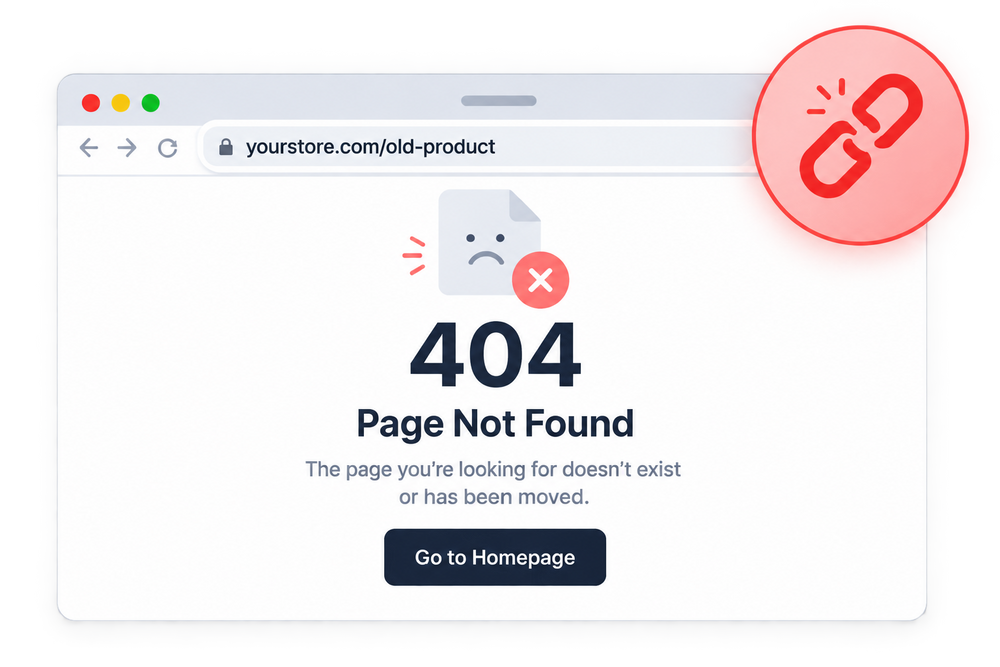
Incorrect Redirect Files Can Hurt Your SEO
Incorrect redirect CSV formatting can create failed redirects, broken URLs, and missed opportunities to preserve SEO value when managing large URL changes.


What the Free Formatter Gives You

Format Redirect CSV Files
Convert redirect data into a Shopify-compatible CSV format.

Shopify CSV Compatibility
Prepare files with the exact structure Shopify's import requires.
URL Mapping Support
Organize old and new URLs correctly for smooth redirect management.
Bulk Redirect Preparation
Format large redirect lists quickly for efficient store updates.
Redirect Error Prevention
Catch formatting mistakes that can cause failed redirects.
SEO Value Protection
Maintain SEO value by properly managing URL redirects during changes.
Easy Redirect Updates
Simplify redirect changes with properly formatted CSV files.

Migration-Ready Formatting
Prepare clean redirect files for use during platform or theme migrations.
Simplify Your Redirect Management
Format redirect CSV files correctly, manage bulk URL changes, and maintain a cleaner SEO structure for your Shopify store.


How Redirect CSV Formatter Works

Add your old and new URLs.

Convert your data into Shopify-compatible structure.

Check URL mapping before importing.

Use the formatted file for a clean bulk redirect import.
Add Your Redirect CSV Files

Format Redirect Data

Review Before Importing

Import Your Redirects

Frequently Asked Questions
Everything you need to know about SEOLab Redirect CSV Formatter.
Is the Redirect CSV Formatter really free?
Yes. Formatting your redirect files costs nothing.
What's the difference between this tool and SEOLab's Broken Link Redirects feature?
This tool formats a CSV file for bulk import, useful for migrations or large URL restructuring. Broken Link Redirects detects and fixes 404 errors directly inside your SEOLab dashboard, one at a time or with Auto Fix.
Why do I need a properly formatted redirect CSV?
Shopify's redirect import requires a specific file structure. Incorrect formatting can cause the import to fail or map URLs incorrectly.
Can I format large redirect lists?
Yes. The tool is built to handle bulk redirect lists, not just a few URLs at a time.
Is this useful for store migrations?
Yes. Properly formatted redirect files help preserve your existing URLs and SEO value when migrating platforms or restructuring your store.
Will this tool create the redirects for me?
It formats your CSV file correctly. You still import the file into Shopify to actually create the redirects.
What happens if my redirect CSV format is incorrect?
Incorrect formatting can cause Shopify to reject the import or map URLs incorrectly, leading to broken redirects.
Do I need technical knowledge to use this tool?
No. The tool handles the formatting for you, no coding or manual CSV editing required.
Still have questions?
Can't find the answer you're looking for? Reach out to our customer support team.